Behind every display at the station, at a stop, or in the control center are the same questions: What is shown when, for whom, and in what format? With hundreds of display surfaces, that question quickly becomes an administrative challenge. Our layout editor, as a core module of the Funkwerk Mobility Platform, answers it centrally, transparently, and with a focus on the real-time data that actually arrives.
Centrally manage layout and content
With the layout editor and the content management system, users and operators of the Funkwerk Mobility Platform can design displays flexibly across all screens. Dynamic layouts are defined centrally, and content adapts automatically to the respective situation. The result is a consistent, professional appearance across all display surfaces – from urban transit and regional rail to long-distance hubs.
Simulation instead of trial and error
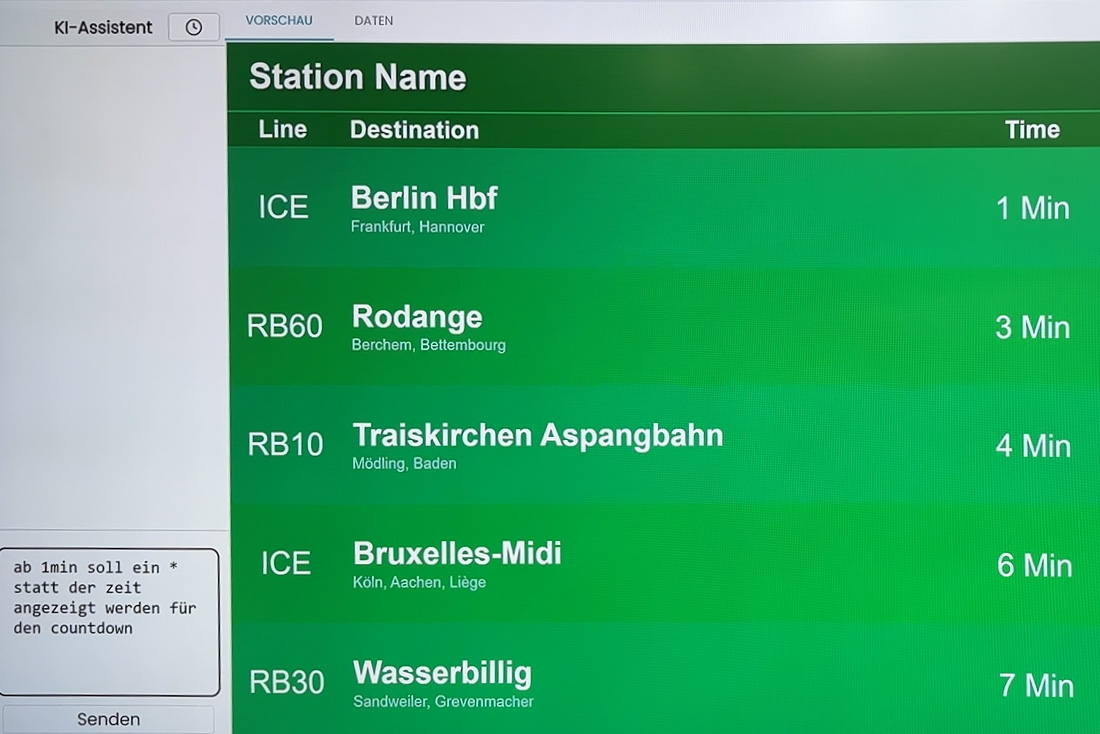
The layout editor simulates in real time what a layout looks like with the actual data. For testing, synthetic data sets are available that you can edit yourself, or customers can test layouts directly with data from the configured interfaces. Whatever is in the configuration appears exactly the same on the display (WYSIWYG). Assets from the CMS are available directly in the editor. Users don’t need to test on a live display in the field, and display errors are caught before rollout.
Transformations: adapting data before it’s displayed
Content management supports transformations. They define rules for how incoming data is processed:
- Long destination names are automatically shortened so they remain readable on small displays.
- Forecast times can be processed—from simple rounding to manipulating forecast data, anything is possible.
- Stop groups are consolidated, and departures can be hidden early.
- The sorting of departures can be influenced in a targeted way.
Especially in urban transit with tight headways and many lines, this is a real advantage. The display becomes clearer without having to change the source data.
Configuring voice output (TTS)
In the past, TTS functionality was a fixed built-in part of a layout. Today, the operator chooses from preconfigured templates. The simulation also provides a textual preview of the text that will be read aloud. This is an important step toward accessible information.
Two paths for different requirements
For complex use cases, two equivalent options are available:
- GUI editor for operators and teams who prefer working visually.
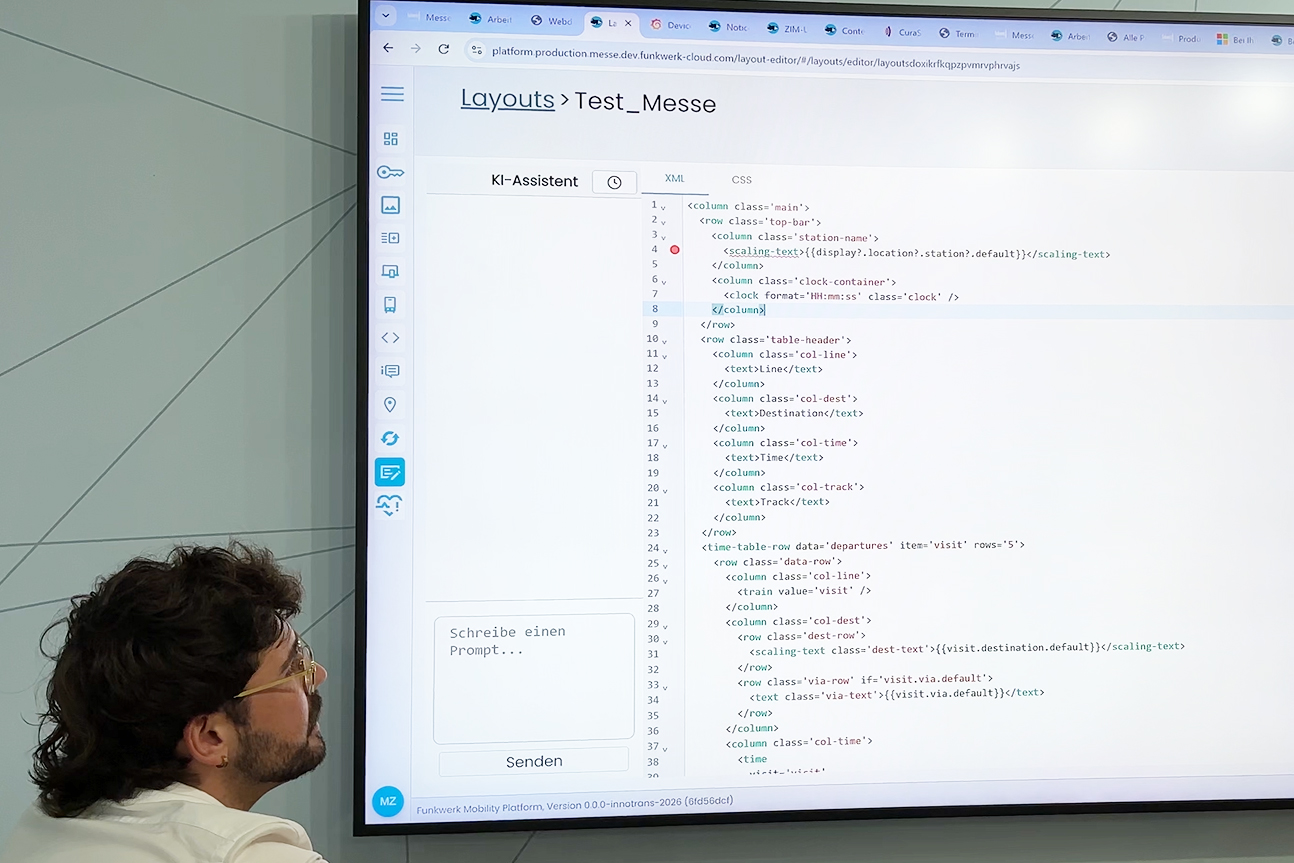
- Text-based XML editor for power users who want to version variant logic and conditions in a traceable way.
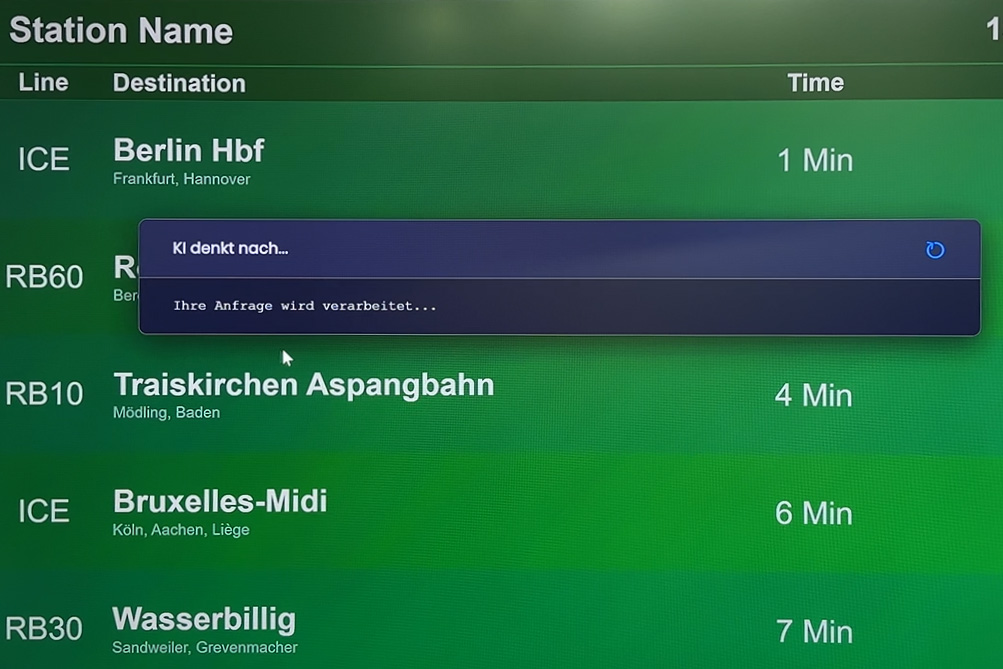
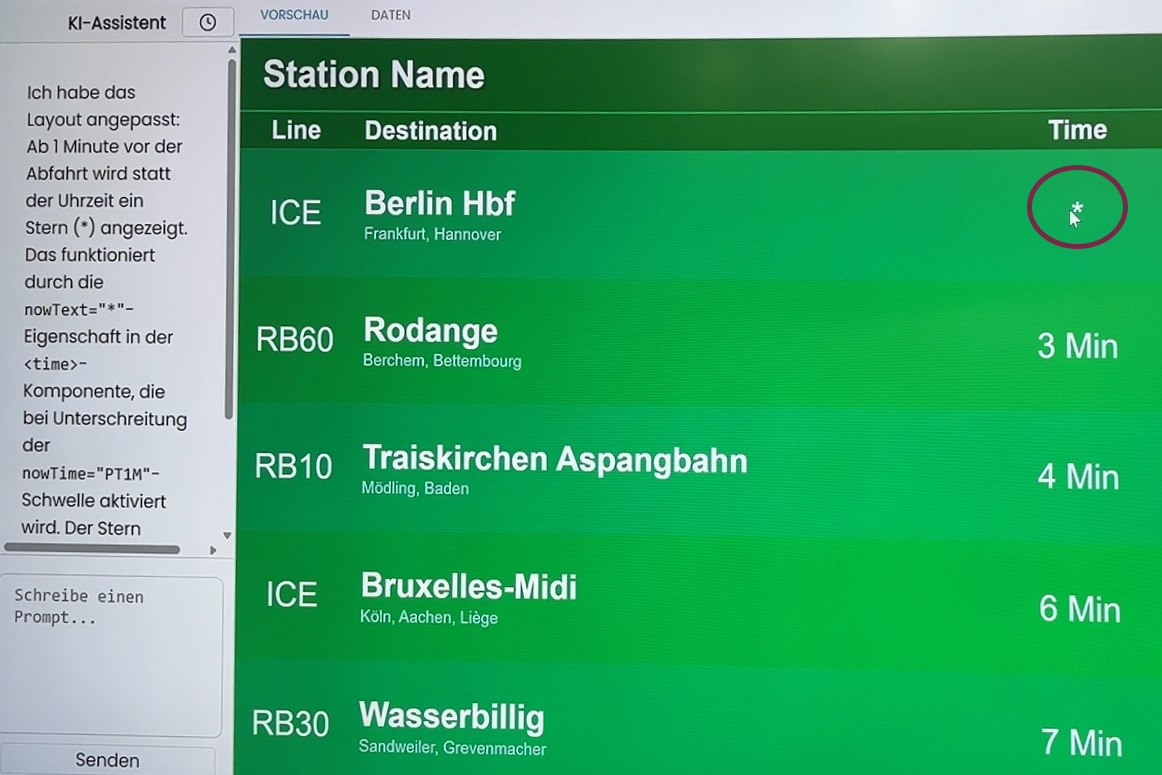
The new AI layout editor generates layouts from predefined components via prompt. These can be refined precisely in text mode. This reduces clicking, speeds up initial configuration, and lowers the barrier to entry for large rollouts.
Why this matters for operators
A consistent layout across all channels isn’t just about looks. When you manage content centrally, you reduce maintenance effort, avoid conflicting information during disruptions, and can implement changes for construction work or timetable updates in minutes. That’s the foundation for making mobility in public spaces reliable. With the Funkwerk Mobility Platform, we provide the backbone functions and connect your systems, data, and operations.
Want to see how the layout editor performs in your display landscape? Book a demo.
« all news


